How to make a QR code menu for your restaurant
A QR code menu lets guests scan a code on the table and read your menu on their own phone. Many restaurants link the QR to a PDF, which is hard to read on a small screen. Here is how to make a web menu that fits any phone, with a link and a QR code that stay the same when you change the menu.
Updated
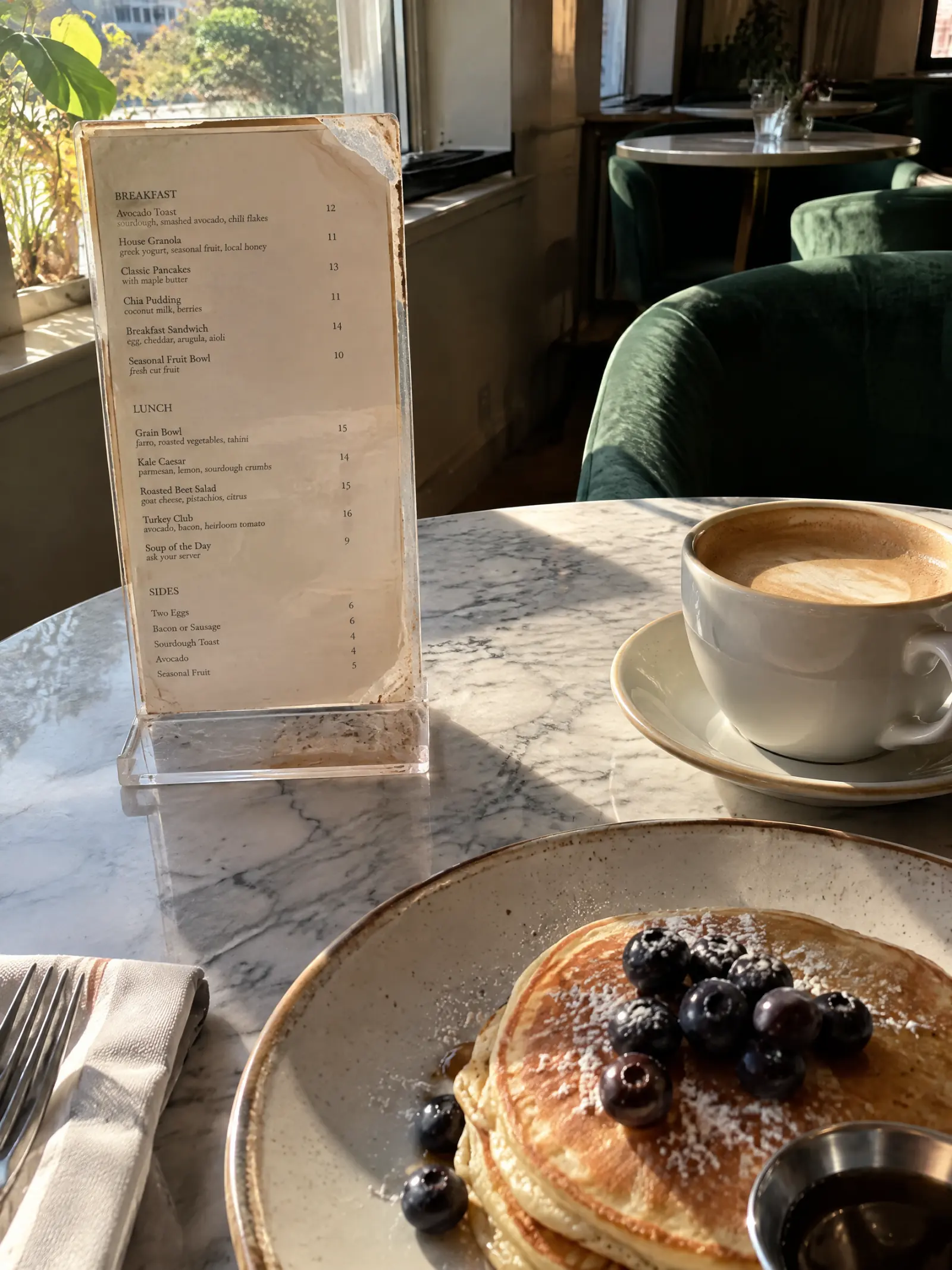
What you need
- Your menu as photos, a PDF, a spreadsheet or text.
- A plan to put it online: the link and the QR come with every plan, from $9.99 a month (see plans). You can make and preview the web menu for free first.
- A way to print the QR: a table tent, a sticker, the window or the counter.
Step by step
Bring your menu in and check the list
Take photos of each page or add your file, tap Read menu, and check the list MenuPress reads: categories, items, descriptions, prices and options. Tap Looks right when it does.
Choose Web menu
Tap Choose a look, then Web menu. A web menu is your list as real text: it fits any screen, guests can zoom and read it aloud, and it prints on US Letter.
Pick a theme
Start from a built-in theme (cafe, diner, bakery, bar, fine dining and more), or make a theme for your place from your menu, your logo or a photo of the room. The preview always shows your own list.
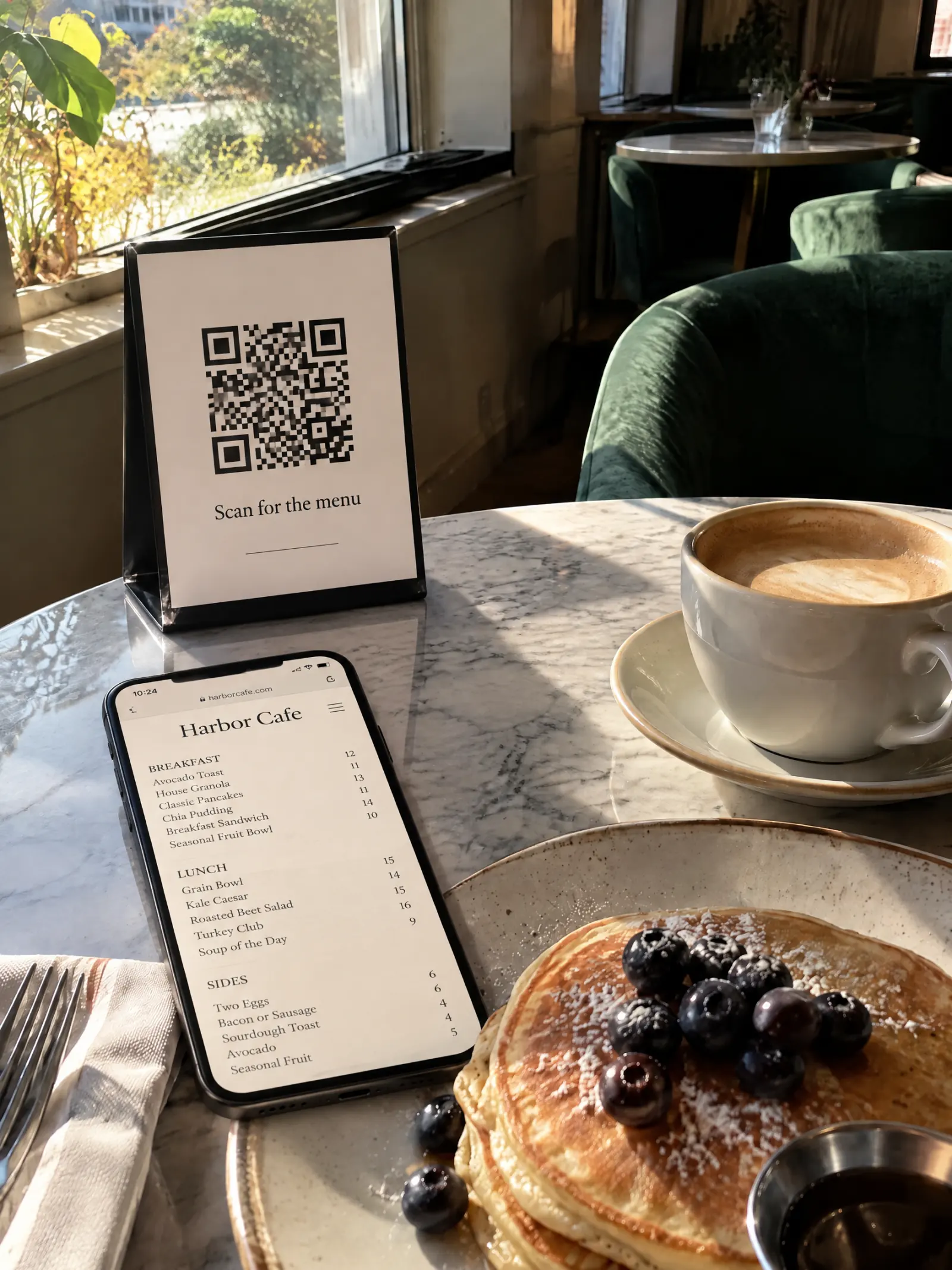
Check it on a phone
This is what guests see when they scan. Categories sit in a bar at the top, prices line up, and the text scales with the phone’s settings.
Get your link and QR code
Tap Get link & QR. Your menu goes live at menupress.app/your-place. Copy the link for your website and profiles, and tap Download QR to print it.
The link is made from your menu’s name the first time you publish.
What changes and what stays
- Changes: guests read your menu on their own phone, in a layout made for it, instead of a laminated card or a PDF.
- Stays: your items and prices, as you checked them. The QR code stays the same when you change the menu later.
- Keep a few printed menus for guests who ask for one: the web menu prints on US Letter, and so do drawn pages.
Want printed pages behind the same QR?
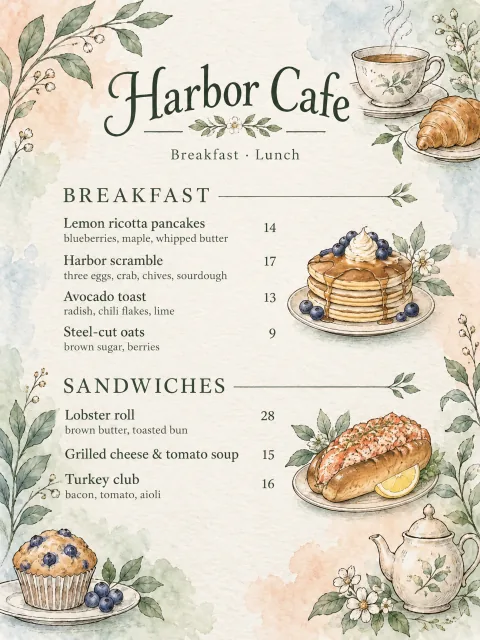
You can show drawn pages instead, or both: guests open the web menu with the pages one tap away. See how to redesign a restaurant menu from a photo.
Tips
- Print the QR at least 2 cm (about 1 inch) wide, on a matte surface, where the table light reaches it.
- Put the same QR on the door or the window, so people can read the menu before they come in.
- Add your address, phone and hours in the menu details: the web menu shows them under your name.
- Prices change? Edit the list and tap Apply: see how to update menu prices without a new QR code.
Try it on your menu
No account needed to start. Reading your menu and your first 3 pages are free.
Bring your menu in