How to update menu prices without changing your QR code
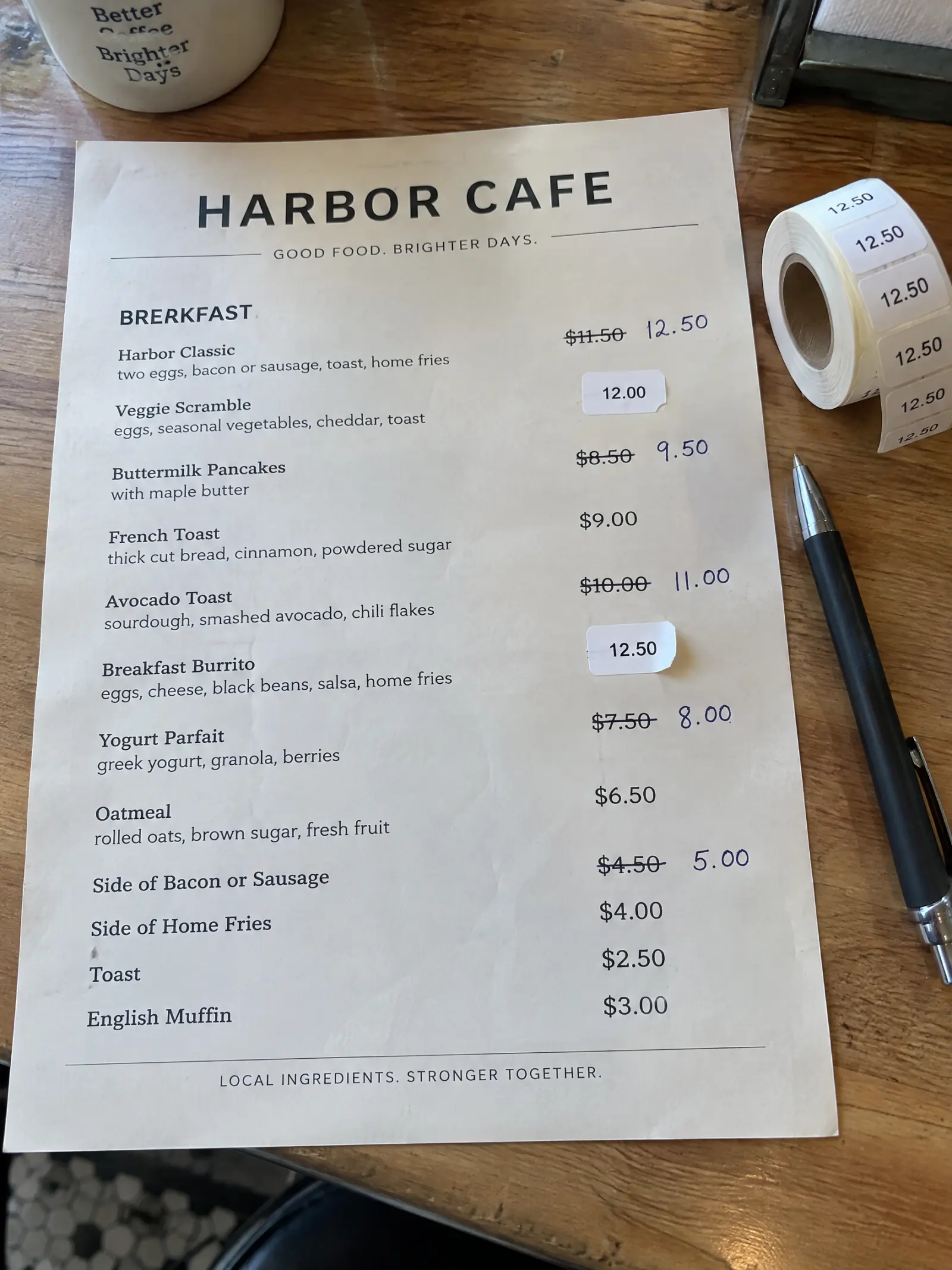
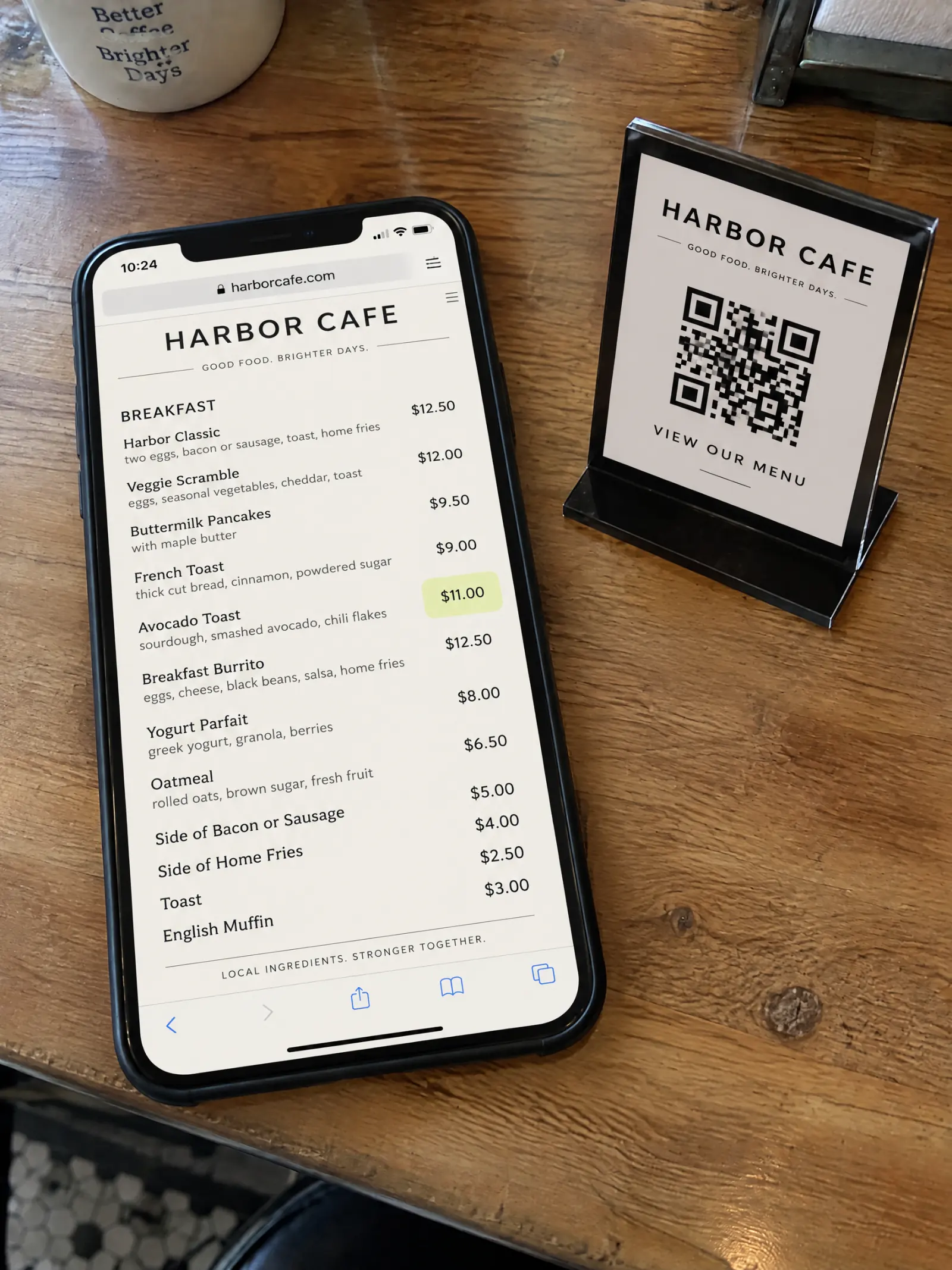
Costs go up, and the menu has to follow. With printed menus that means pen marks and price stickers; with many QR code menus it means uploading a new PDF, and sometimes a new code. Here is how to update menu prices once, so every table shows them behind the QR code you already printed.
Updated
What you need
- A menu in MenuPress with a live link and QR (see how to make a QR code menu).
- A plan: Apply is part of every plan (see plans).
- The new prices.
Step by step
Edit the price in your list
Open your menu and tap Edit list. Find the item, change its price, and add or change sizes and options the same way. Changes save as you make them; guests don’t see them yet.
Tap Apply
A bar says you have changes that aren’t live yet. Tap Apply. On a web menu, the change goes live right away and uses no credits.
Check what guests see
Open the link, or scan your own QR. The new price is there; the link and the QR are the same ones you printed.
If guests see drawn pages
On drawn pages, Apply redraws only the pages that show a changed item. You see which pages and the cost first: one page credit per page. Guests keep seeing the current pages until the new ones are ready, then the link and the QR show them.
What changes and what stays
- Changes: the prices, items and options you edited, everywhere guests read your menu.
- Stays: the link, the QR code and everything you didn’t edit.
- Printed copies don’t update themselves. If you keep printed menus, print the new pages or the web menu again.
Tips
- Make all your changes first, then Apply once: on drawn pages, a page with several changes is redrawn once.
- Use the same list for a new season: add and remove items, then Apply.
- Starting from paper? See how to redesign a restaurant menu from a photo.
Try it on your menu
No account needed to start. Reading your menu and your first 3 pages are free.
Bring your menu in